catia v6 like 'glowing' highlighting mode

Kai Knospe
on catia v6 21x we have some kind of 'glowing' selection mode, making it very easy to identify parts hidden somewhere.
See video (sorry for bad fps, its rdp):
https://www.screencast.com/t/5IsFXYHA
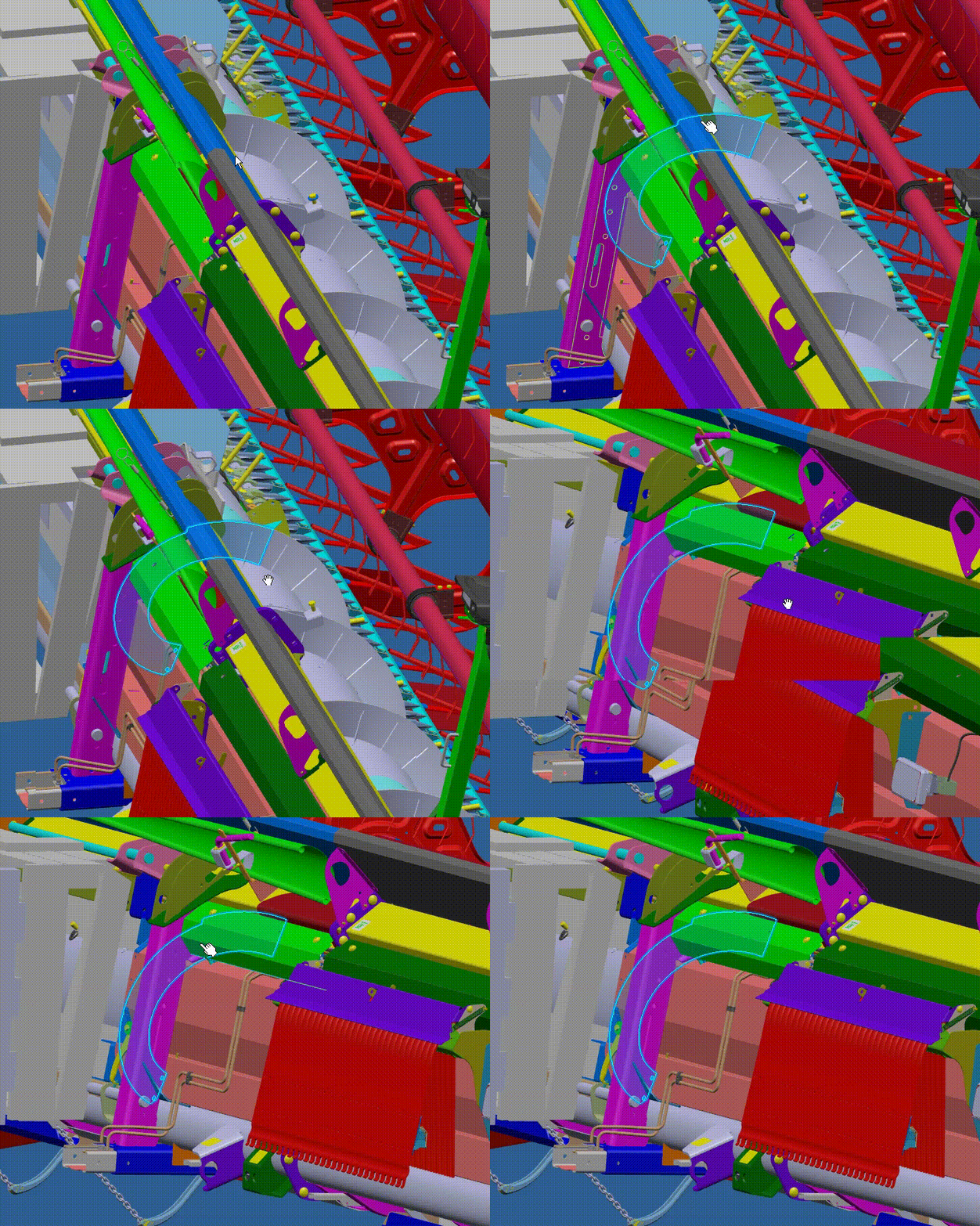
this should not be a replacement of setcurrent but an alternative
0
Comments
Animated GIF please.
Is this the type of effect you are after?
Hi Damien, thats looking nice! Do you mind creating a forum post about it? Kai
Hi Kai,
My viewport and entities are quite heavily overridden so it might not be easy to adopt for everyone, and it it may not work across all render techniques. One of the limiting factors at the minute is by default the viewport does not allow selection colours to have a transparency value so you have to override the drawing of entities and set colours directly in the render context. It is the transparency value that gives the glow effect you mention, as well as a call to draw the edges in the selection colour.
There are a number of articles I have drawn from to get this effect:
Highlighting the edge closest to the mouse – Help Center (zendesk.com)
How do I draw a Mesh entity that is always visible? – Help Center (zendesk.com)
However it would be nice to have this selection style built natively into Eyeshot.
Damian
Please sign in to leave a comment.