
To use a transparent texture you must have
design1.AccurateTransparency = false;
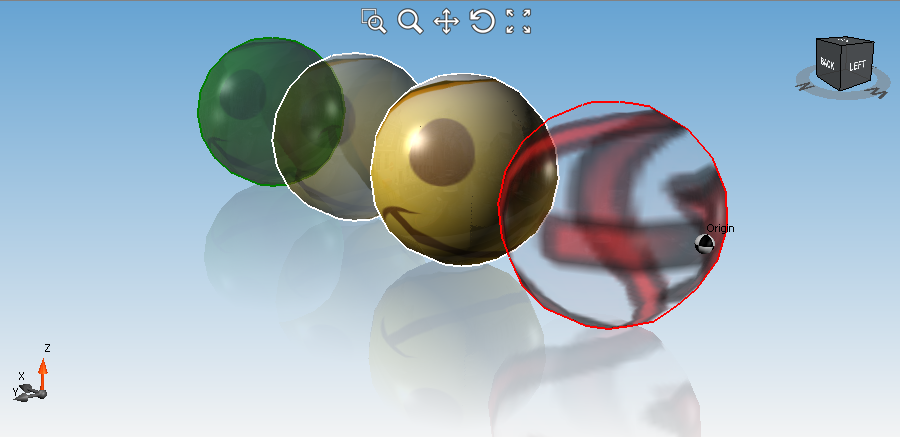
and then you must assign an alpha value less than 255 to the entity material Diffuse component (of course the material must have a texture too).
The resulting transparency will be a combination of the material Diffuse alpha and the alpha of the texture pixels.
design1.AccurateTransparency = false;

Material mat = new Material("mat", imageFilePath);
mat.Diffuse = Color.FromArgb(100, Color.White); // Assign a transparent alpha (<255) to the Material Diffuse component
design1.Materials.Add(mat);

Mesh mesh = Mesh.CreatePlanar(new LinearPath(20, 20).Vertices, Mesh.natureType.ColorPlain);

mesh.ApplyMaterial("mat", textureMappingType.Plate, 1, 1);
design1.Entities.Add(mesh);
Comments
Nice feature! This will come in very useful for rendering see-through items!
Please sign in to leave a comment.