
The various methods to export a vectorial view with hidden lines removal of the current scene
design1.WriteToFileVector(bool fit, string fileName);
design1.CopyToClipboardVector(bool fit);
design1.Print();
design1.PrintPreview(System.Drawing.Size printPreviewDlgClientSize);use the same color for all edges, for all wireframe entities and for all silhouettes.
In this document, we'll show you how to do a vectorial export keeping the original colors and line widths.
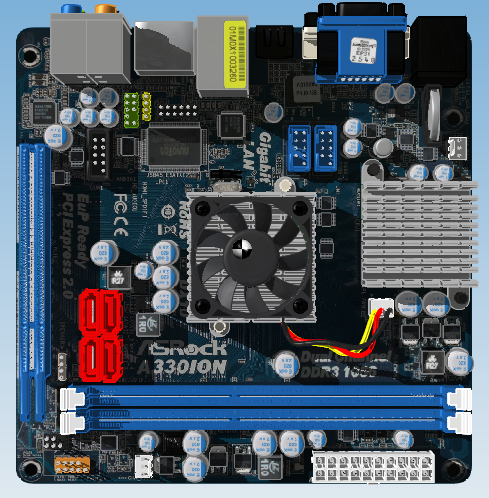
Original file:
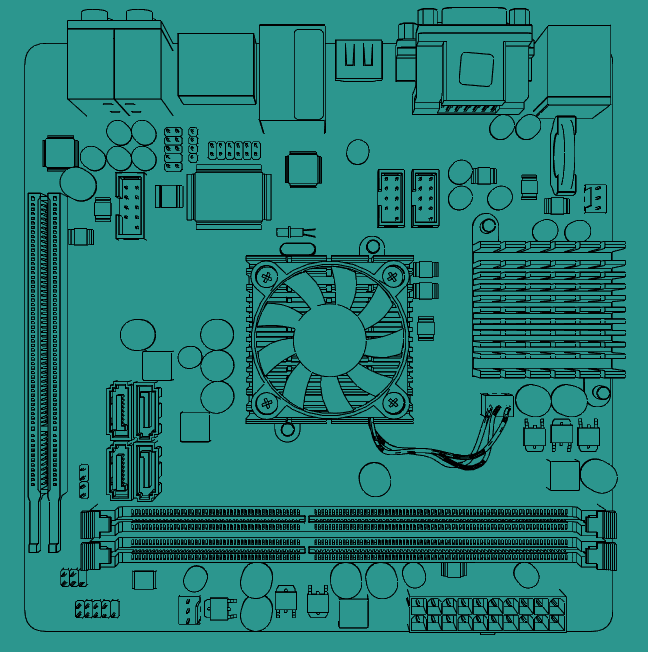
The result from standard vectorial export (the original colors are lost):
Result with vectorial export keeping the original colors and line widths:
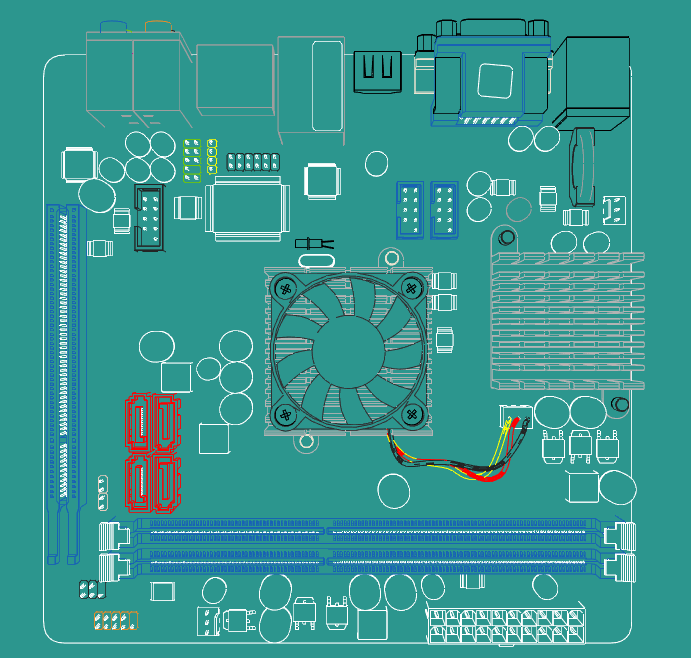
To keep the original colors and line widths of the entities in the vectorial output you have to use the class HiddenLinesViewSettings.
Create an instance of the HiddenLinesViewSettings class and set the following properties:
HiddenLinesViewSettingsEx settings = new HiddenLinesViewSettingsEx(viewType.Top,design1.Document);
settings.KeepEntityColor = true;
settings.KeepEntityLineWeight = true;
Then create the object of the appropriate class derived from HiddenLinesView depending on the desired kind of export:
// Export to DWG/DXF
HiddenLinesView hlv = new HiddenLinesViewOnFileAutodesk(settings, @"myExport.dwg", autodeskVersionType.Acad2007);

// Export to EMF
hlv = new HiddenLinesViewOnFile(settings, "myExport.emf");

// Copy to clipboard
hlv = new HiddenLinesViewOnClipboard(settings);

// Print
hlv = new HiddenLinesViewOnPaper(settings);

// Print with preview
hlv = new HiddenLinesViewOnPaperPreview(settings, new Size(800, 600));
And finally run the computation synchronously or asynchronously:
// Asynchronous computation
design1.DoWorkAsync(hlv);

// Synchronous computation
design1.DoWork(hlv);
Comments
I would very much appreciate a way to get the .emf file as a byte[] directly, without having to write it to disk first. Is there an easy way to get this accomplished?
Please sign in to leave a comment.